PixLab photo tools

Make the photo good enough to give

The only good photo is too small, someone is missing, or the crop cuts them off. Pick the photo and what it needs, and PixLab, our photo tools site, does the rest.

Free tokens to try it when you sign up. Your original photo is never changed.

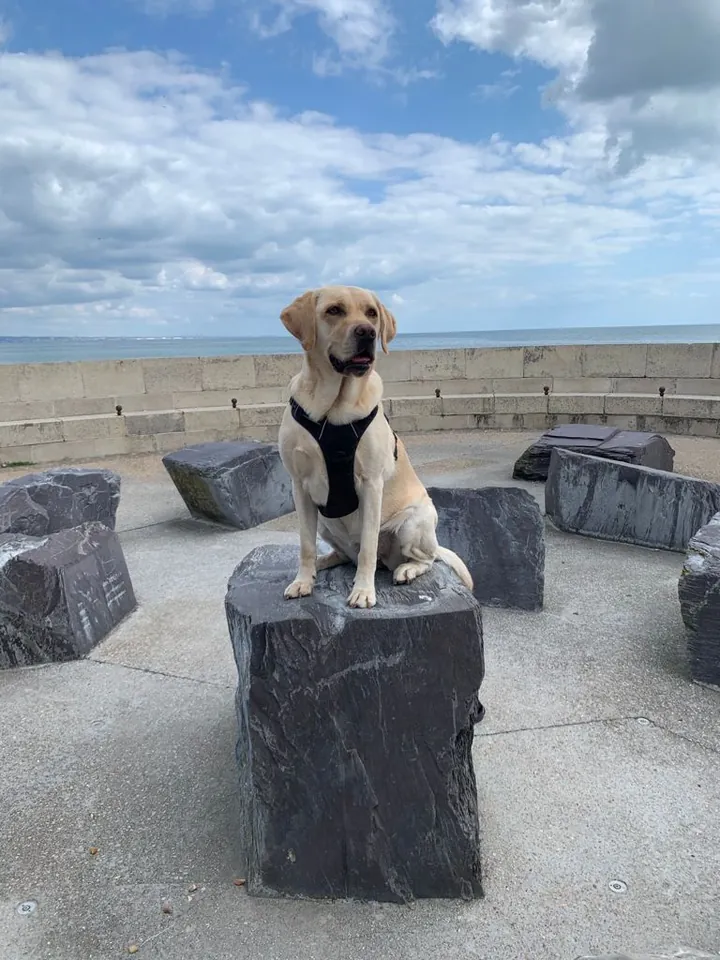
A photo of a labrador sitting on a stone block by the sea, under a cloudy skyThe same photo of the labrador, repainted as a watercolourBeforeAfter
PixLab Repaint: one photo, nine styles. Tap a style to change it. Drag the handle to compare.

See what each one does to a picture

Each pair is the same picture before and after one of our PixLab tools, taken from PixLab’s own examples. Two of them start from an illustration rather than a photograph.

PixLab Enhance

Make it sharp enough to print

The only good photo of them was saved from a message, and it is far too small for a frame.

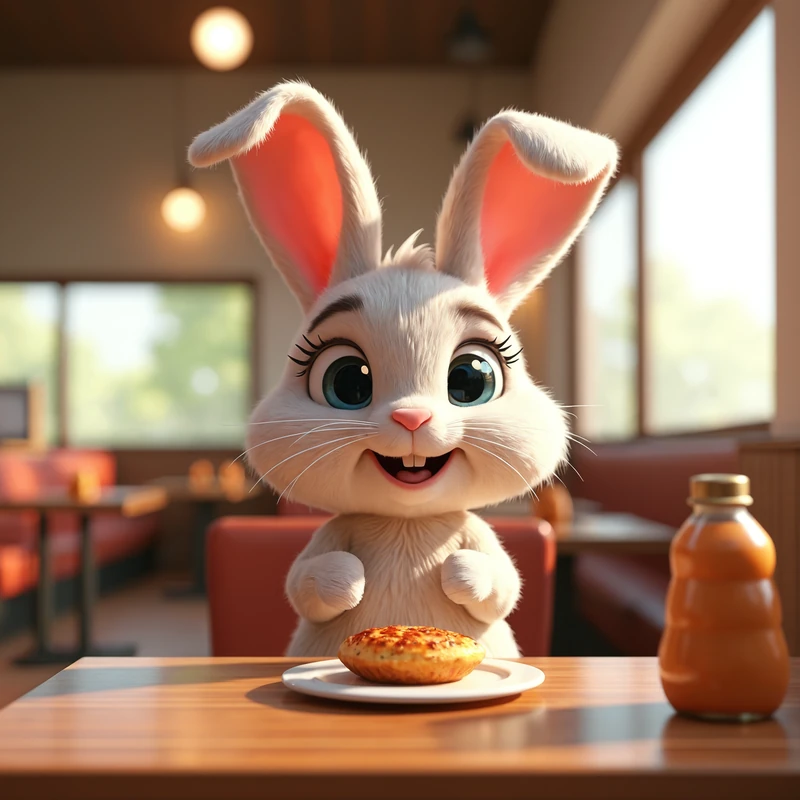
Enlarges a photo to four times its width and height and sharpens it, so a small or grainy photo prints well.
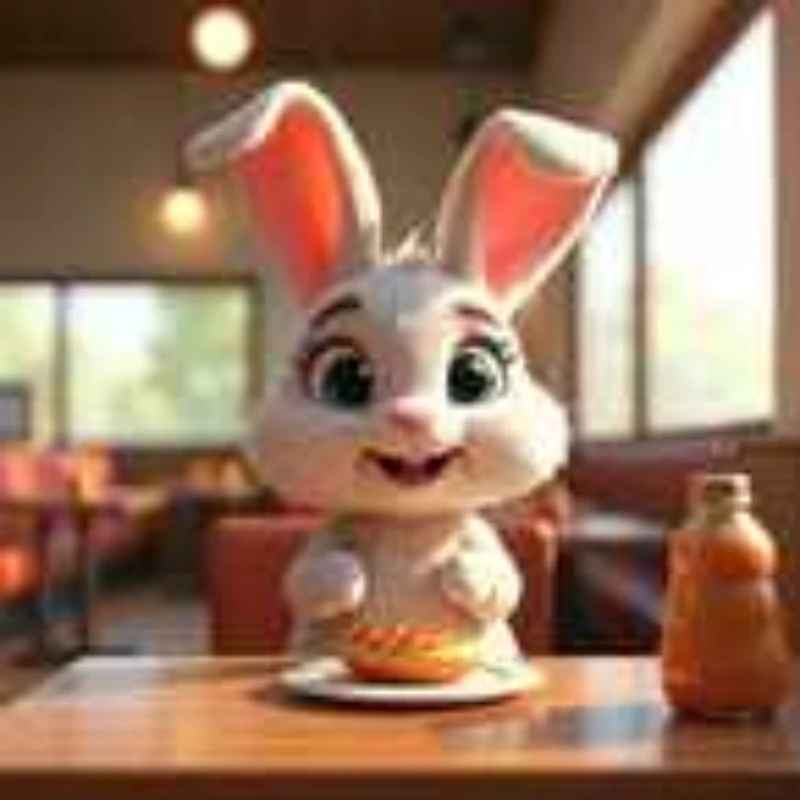
A small, soft picture of a cartoon rabbit at a café table, blurred at the edgesBefore
The same rabbit picture, sharp: clear whiskers, eyes and a pastry on the plateAfter

PixLab Merge

Bring us together

The people who should be in the picture were never in the same room.

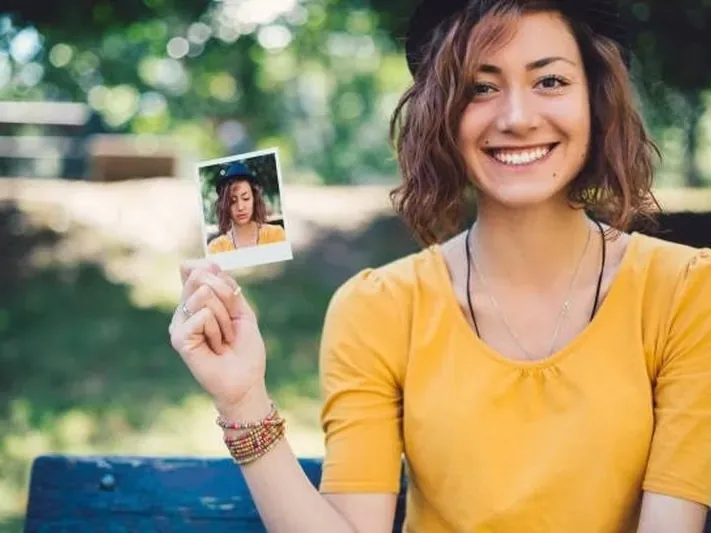
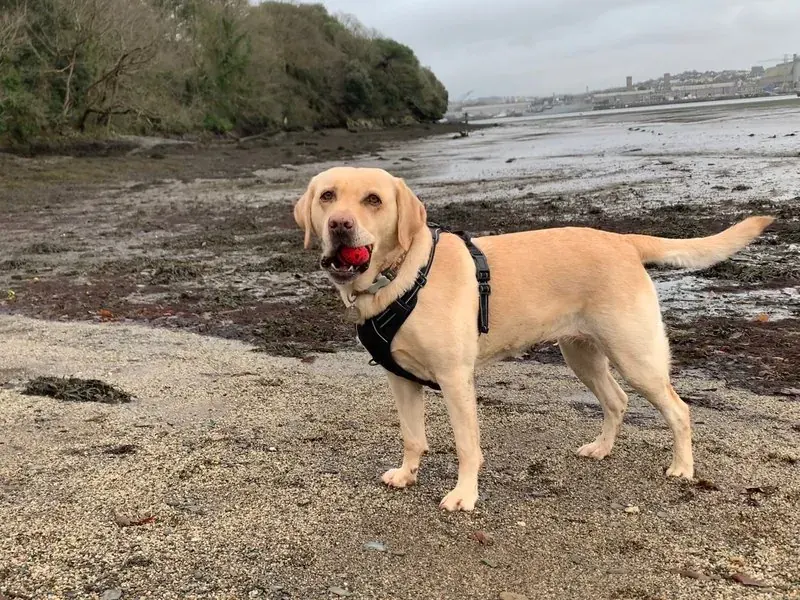
Combines up to six photos, so everyone ends up in one picture.

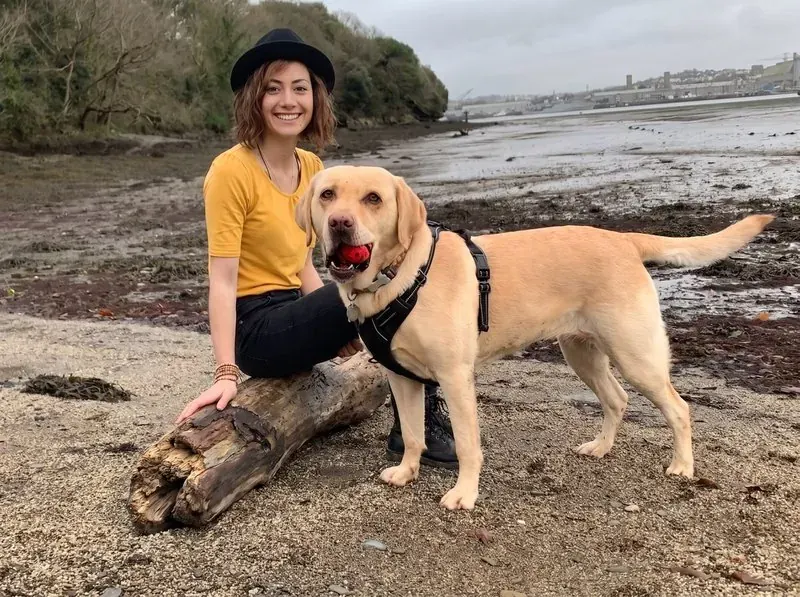
A smiling woman in a yellow top and a black hat, sitting on a park benchBefore
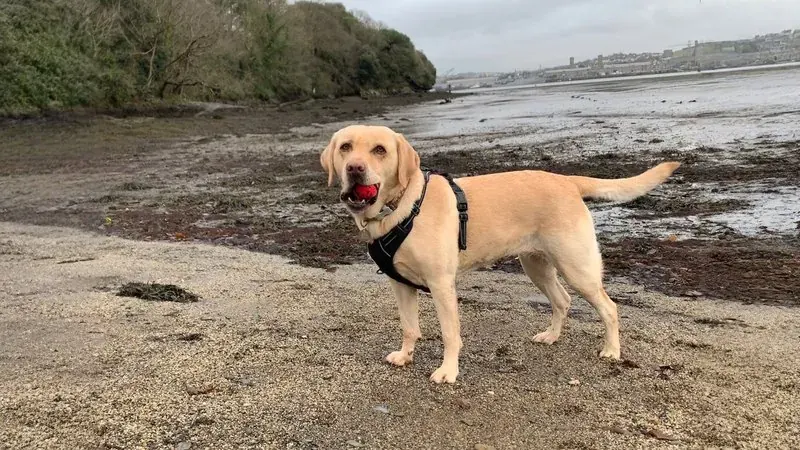
A labrador with a red ball in its mouth, standing on a pebbly shore
The same woman sitting on a log on the shore, with the same labrador standing beside herAfter

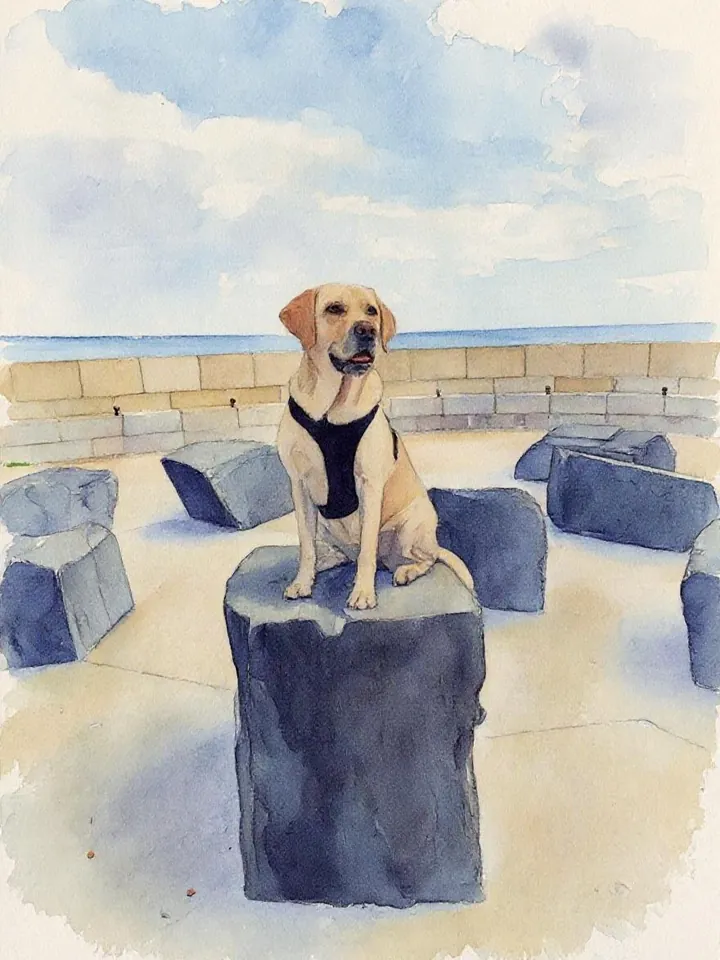
PixLab Repaint

Make it art

Some photographs say more when they stop looking like photographs.

Repaints a photo in over twenty art styles, from classic painting to modern digital art.

A photo of a labrador sitting on a stone block by the sea, under a cloudy skyBefore
The same scene painted as a soft watercolourAfter

PixLab Expand

Complete the scene

The photograph stops just where the good part starts. Nobody should lose an arm to a crop.

Extends a photo past its edges, so it fits a new shape without cropping anyone out.

A labrador with a red ball in its mouth, standing on a pebbly shoreBefore
The same photo of the labrador, now wider, with more of the shore and the water around itAfter

PixLab Edit

Make it just right

Nearly right. There is one thing in it you would rather was not there.

Removes, replaces or changes any part of a photo. You describe the change in your own words.

PixLab Create

Imagine it

The scene nobody ever took a photo of.

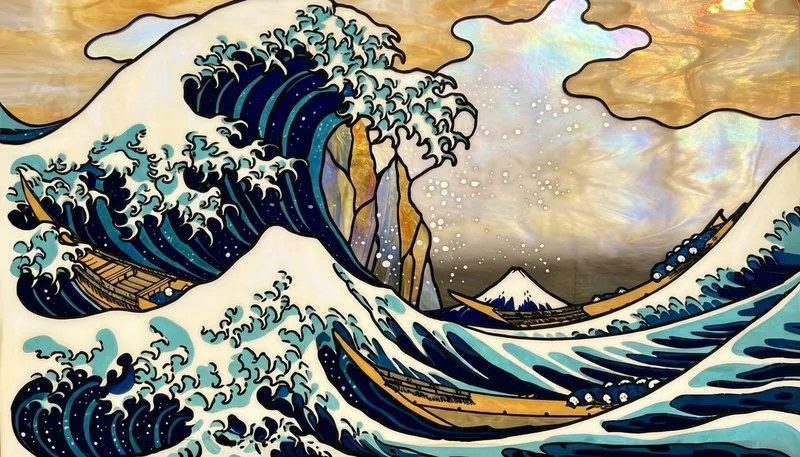
Makes a picture from a description. It starts from your words, not a photo, so there is no before: this one is PixLab’s own example, made from a few lines of text.

A picture PixLab made from a description: a great wave in the style of stained glass, under a gold sky

One memory. Several expressions. One gift.

The six steps above are not a toolbox you open. They sit inside the brief, between the memory you tell us about and the gift you approve. Pick one of the three and the same memory lands a different way.

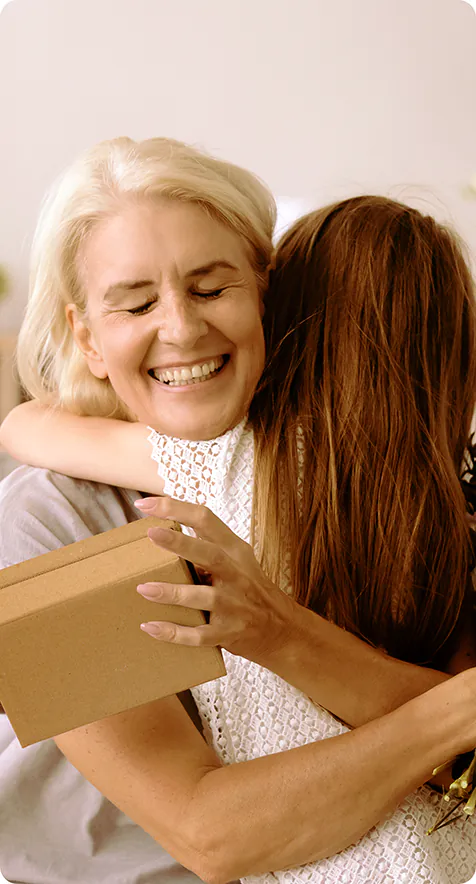
A woman holding her mother in a long hug
The memory. A Sunday in her kitchen, three years ago. One photograph, and the thing it is about.

A book. Sixty pages of the year, in order. The photos saved from messages get sharpened so they hold up on the page, and the one that was nearly right has the one wrong thing taken out, and you never open a tool to do any of it. Steps used: Make it sharp enough to print, Make it just right.

Nothing is saved unless you ask us to. Nothing is ordered until you check out.

Got a photo that is almost right?

Pick what it needs and keep the result at full size, to frame, to share, or to bring back to Printerpix for a canvas, a book or a blanket.

Free tokens to try it when you sign up. Your original photo is never changed.